
AMAZON LISTING SOFTWARE

Download ScanLister

Get the latest desktop version for Windows or macOS.
This app runs on Windows or Mac computers. Download links are available on desktop devices only.

1. Open the installer

Find ScanLister.dmg in your Downloads folder or browser bar. Double-click to begin.
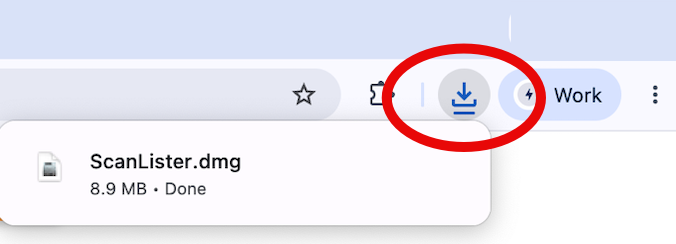
ScanLister.dmg in the Chrome downloads bar

2. Drag Icon to Applications

A window opens showing the ScanLister icon and an arrow. Drag the icon onto the Applications folder.
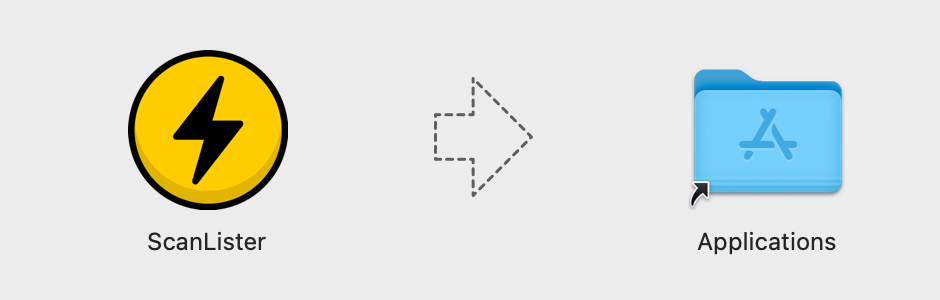
Drag the ScanLister icon onto the Applications folder

3. Open ScanLister

Find ScanLister in your applications folder and open.
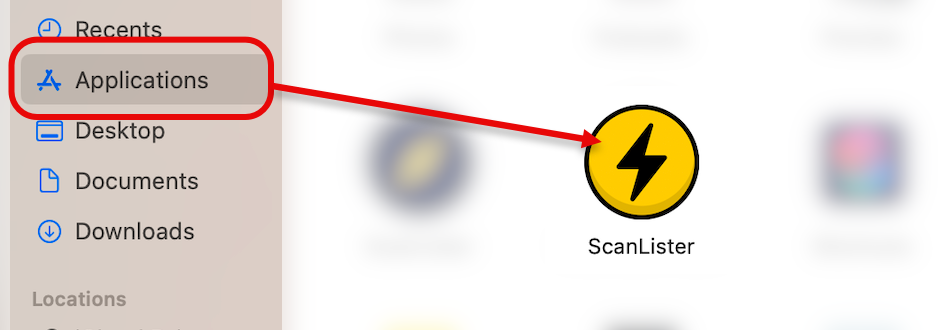
ScanLister shown in the macOS Applications folder

1. Open the installer

Find ScanLister-Setup.exe in your Downloads folder or browser bar. Double-click to run it.
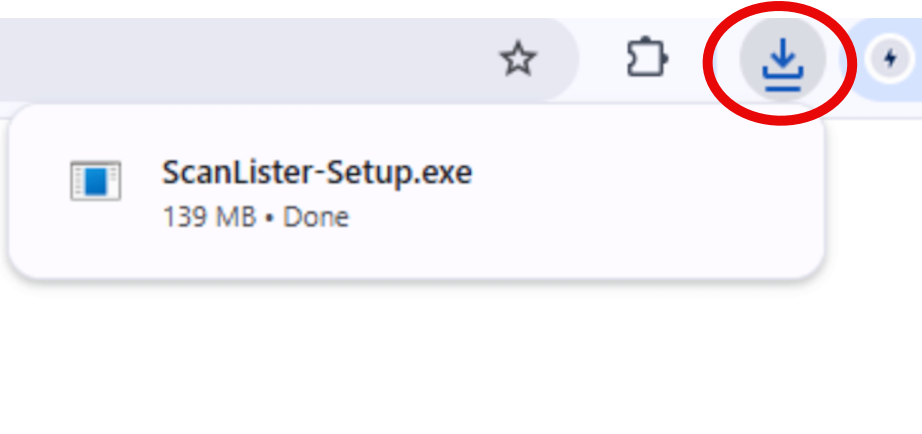
ScanLister-Setup.exe in the Chrome downloads bar

2. Install ScanLister

Follow the prompts. ScanLister installs in under a minute.
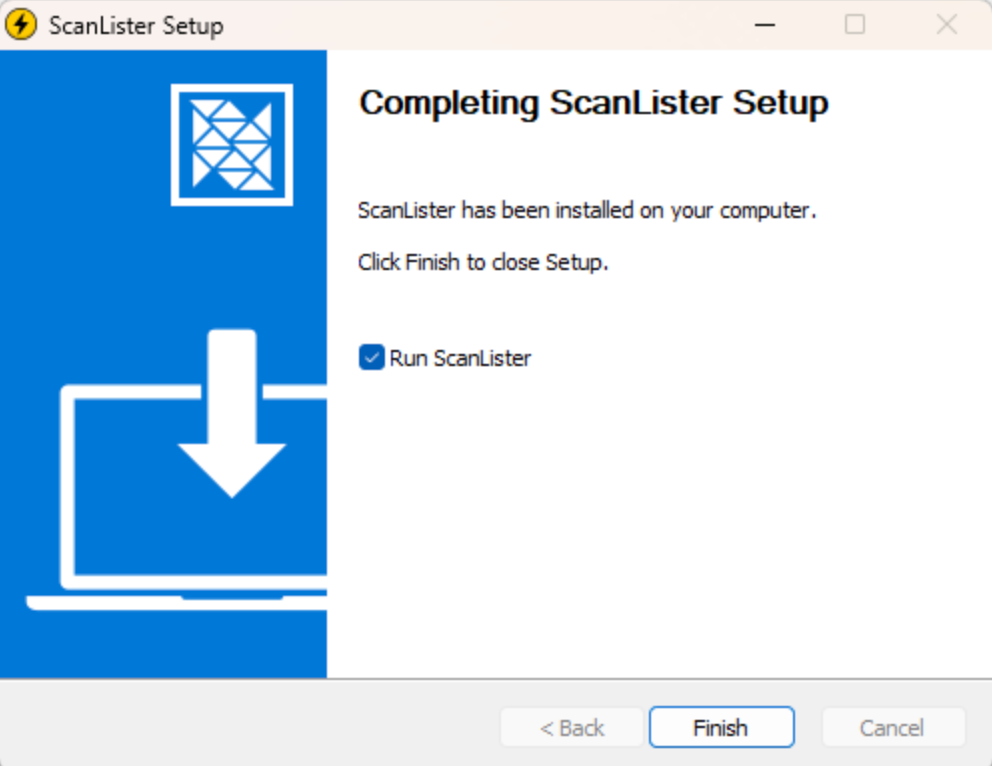
Windows installer finishing the ScanLister setup

3. Open ScanLister

Find ScanLister on your desktop or in the Start menu, and open it.
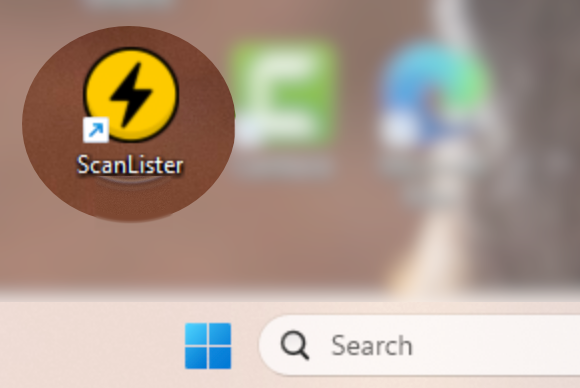
ScanLister icon on the Windows desktop

Still on ScanLister 3? Download it for Windows or Mac.
