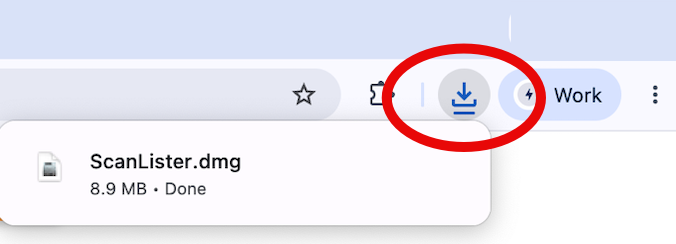
Find ScanLister.dmg in your Downloads folder or browser bar. Double-click to begin.
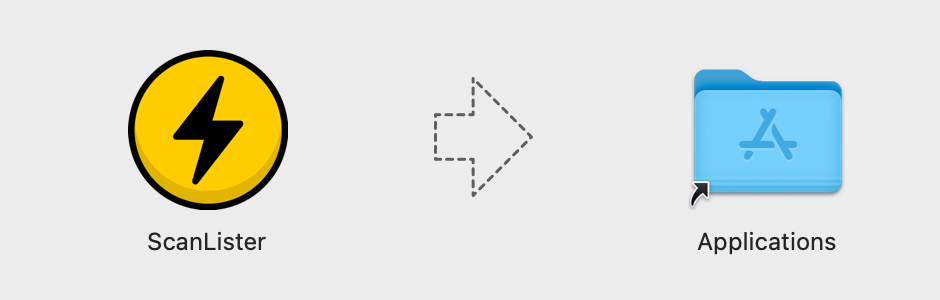
A window opens showing the ScanLister icon and an arrow. Drag the icon onto the Applications folder.
.png)
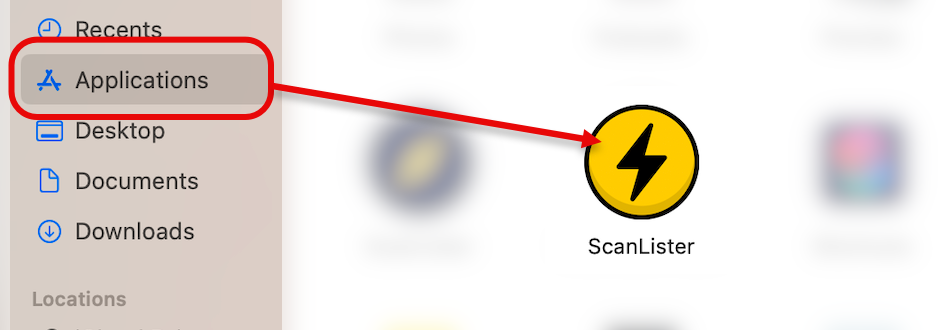
Find ScanLister in your applications folder and open.
Find ScanLister-Setup.exe in your Downloads folder or browser bar. Double-click to run it.
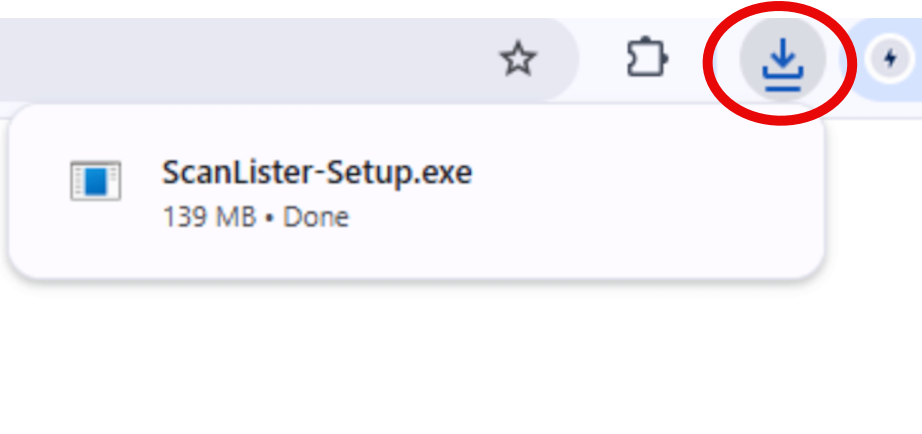
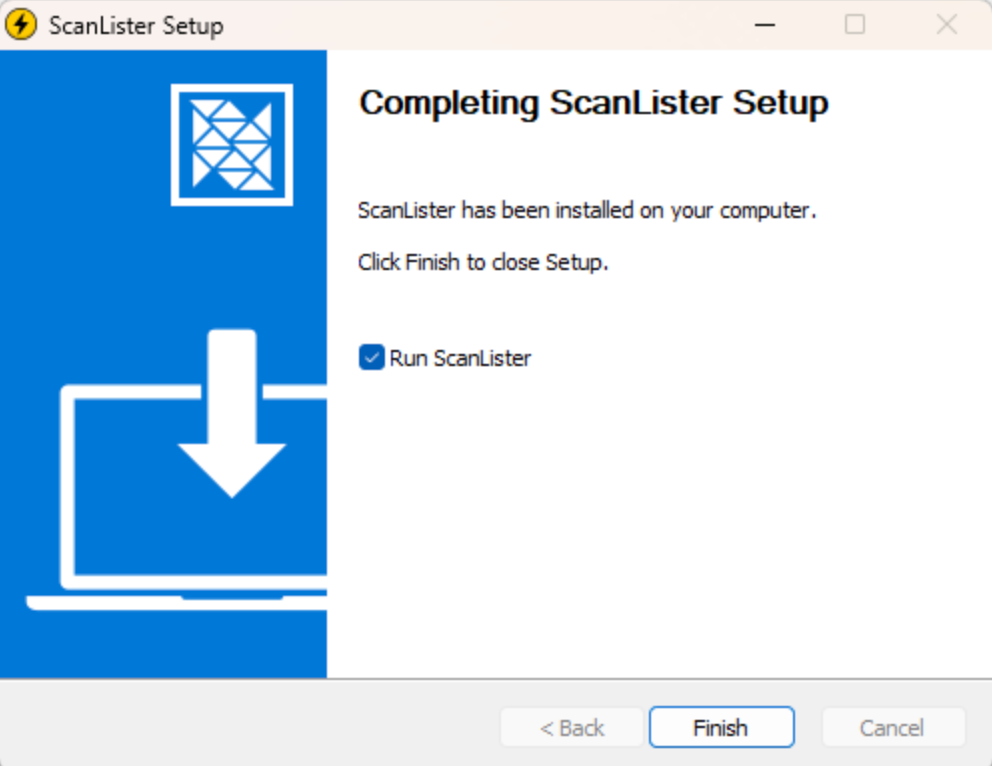
Follow the prompts. ScanLister installs in under a minute.
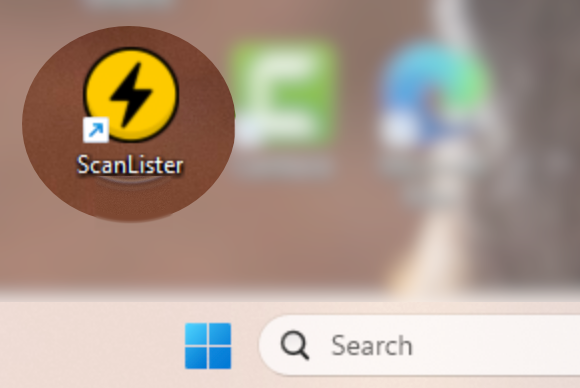
Find ScanLister on your desktop or in the Start menu, and open it.
Open ScanLister — you’ll be prompted to enter your license key. You can find the license key in your email.
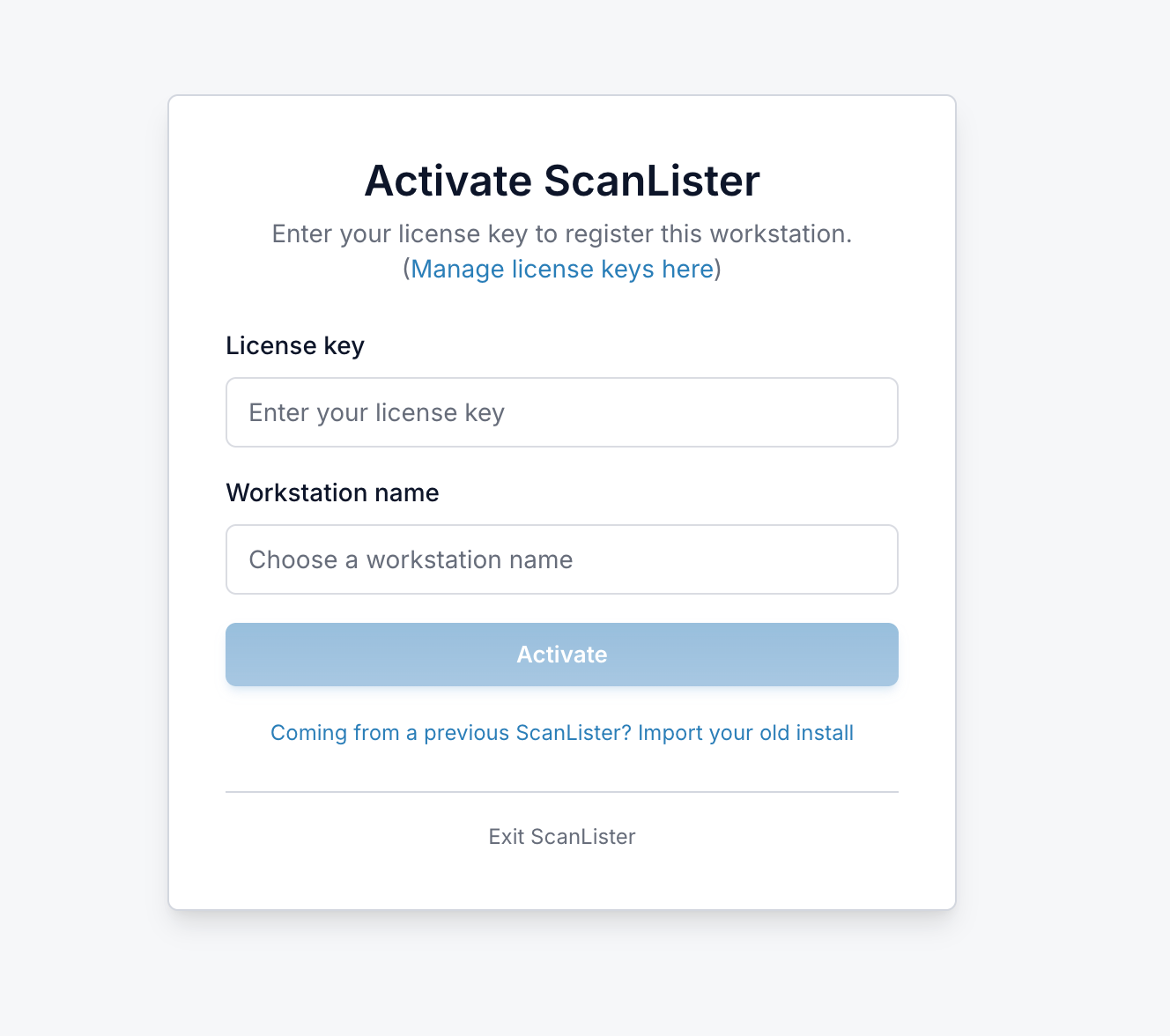
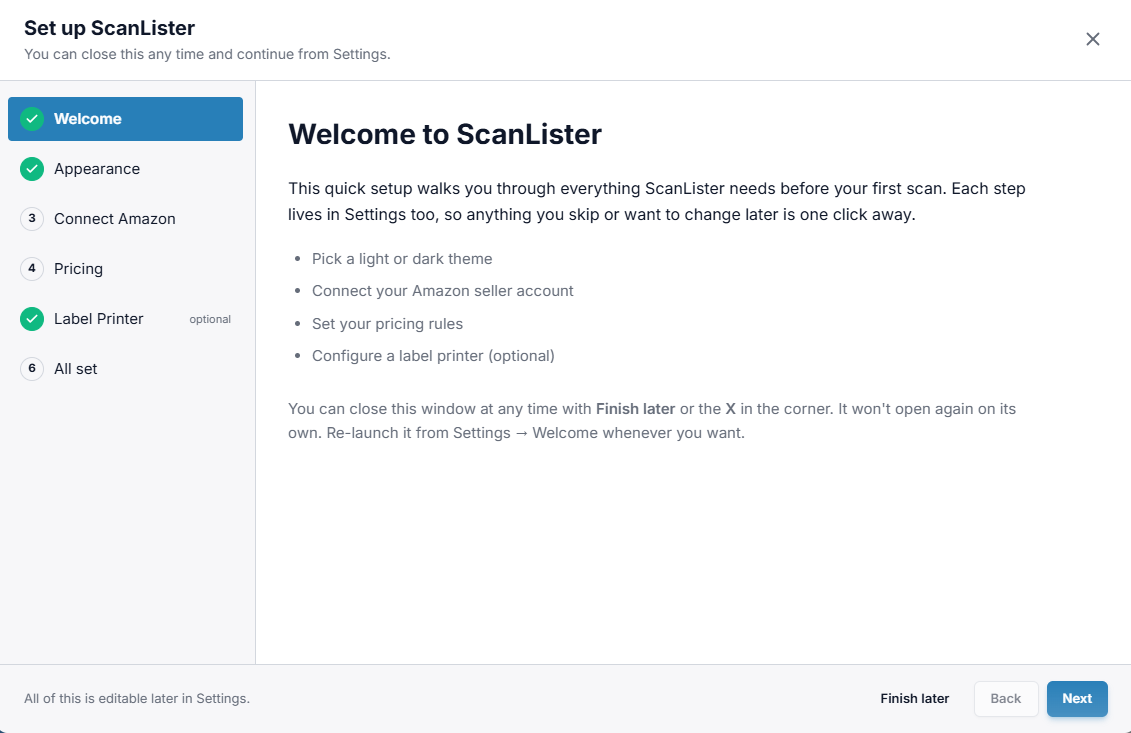
After activating ScanLister, you will be prompted to the Setup your account. View our help page if you need assistance with this.