Upgrading from ScanLister 3 only takes a minute. ScanLister 4 brings your settings, license key, and Amazon connection over automatically, so there is nothing to set up again.
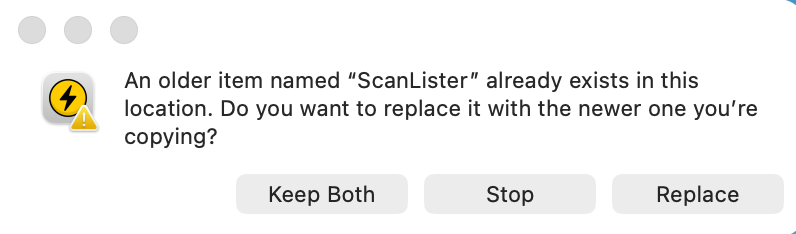
Choose Replace or Keep Both. When you move ScanLister 4 into your Applications folder, your Mac will ask what to do with the older version. Choose Replace if you won't use version 3 again, or Keep Both to keep version 3 alongside version 4.
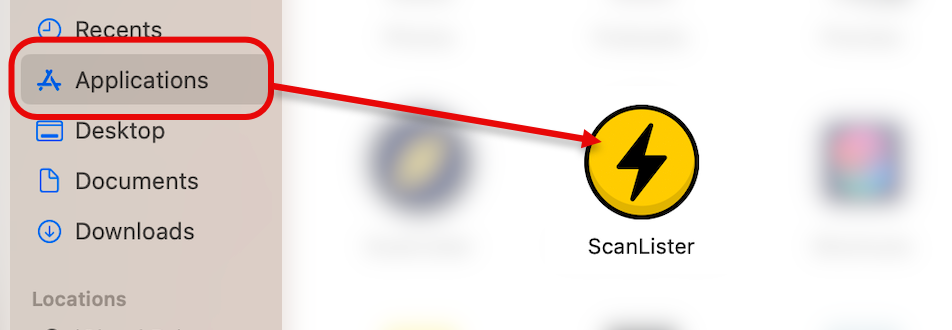
Open ScanLister 4. Go to your Applications folder and open the yellow ScanLister icon.
Let the migration run. ScanLister 4 automatically imports your settings, license key, and Amazon connection from v3.
You're all set. Once the import finishes, complete your ScanLister account setup and start listing.