
If you canceled auto-renew and want ScanLister back, you can restart the subscription yourself from the customer portal. It takes a minute and there’s no need to email support.
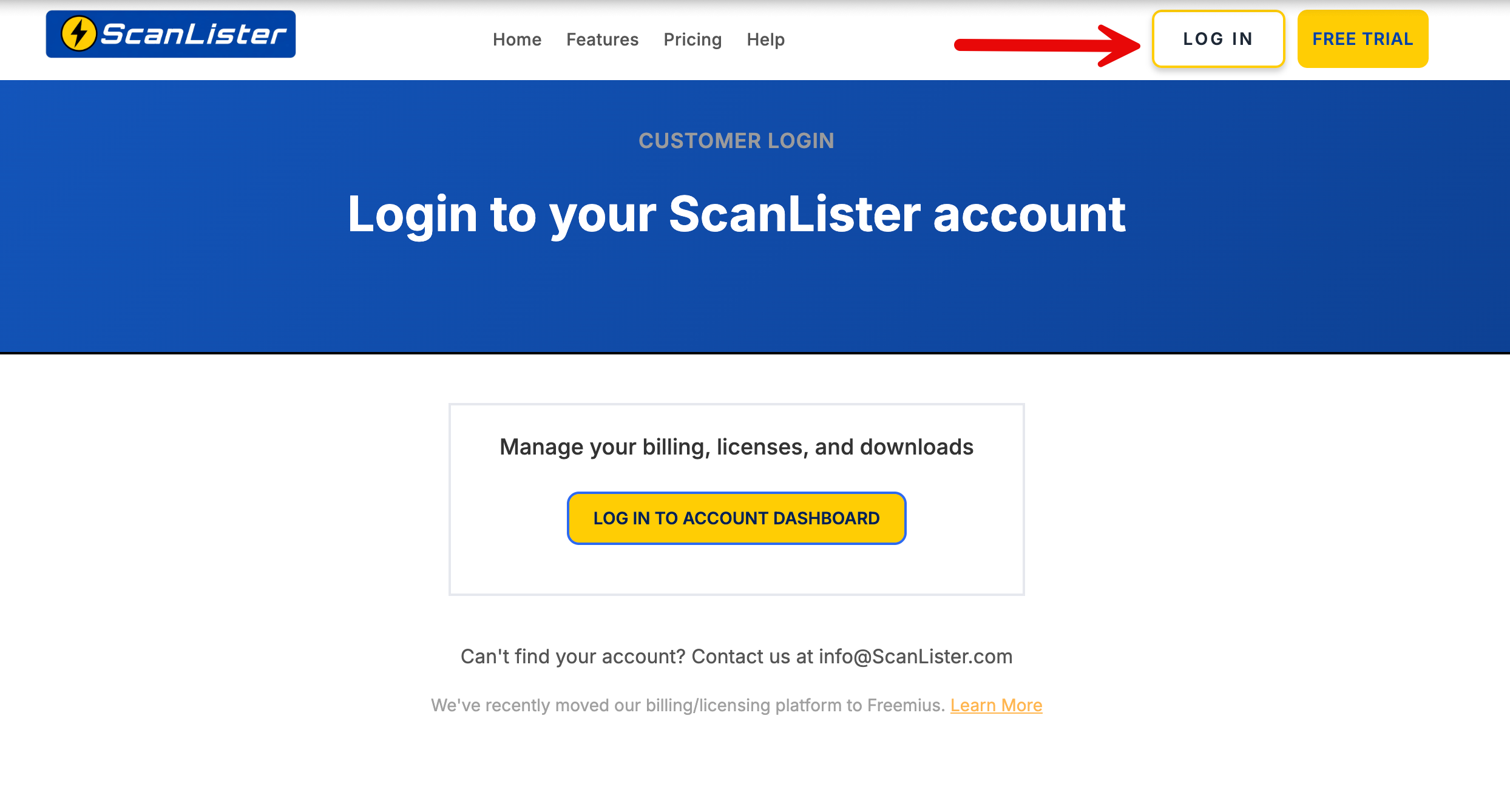
Sign in at scanlister.com/login, then select Log in to Account Dashboard.
Haven’t set a password for the new portal yet? How to Reset your Password walks you through it. Use the same email address as your original ScanLister purchase.
Go to the Subscriptions section. Canceled subscriptions are hidden by default, so click the Active filter and select Canceled.
Click the row of the subscription you’d like to restart to open its advanced panel, then click Renew.
ScanLister recently upgraded to a new billing and license management system powered by Freemius.
This gives customers improved account management features, including self-service license deactivation and reactivation.
You are still managing your ScanLister account and licenses — only the underlying customer portal has changed.
For more details about the migration, you can read our full update here: ScanLister Update: New Billing & License System — Freemius Migration.
