
A multi-channel session lists every item you scan on Amazon (merchant fulfilled) and on eBay in one pass. Both listings share one stock count, so when the item sells on one marketplace, ScanLister lowers the quantity on the other. Scanning works exactly as it does for Amazon.
Before you start, connect and set up your eBay account. See Getting Started with eBay.
Create a new listing session and choose Amazon + eBay. Amazon listings in this session are FBM: you store and ship the item, whichever marketplace it sells on.
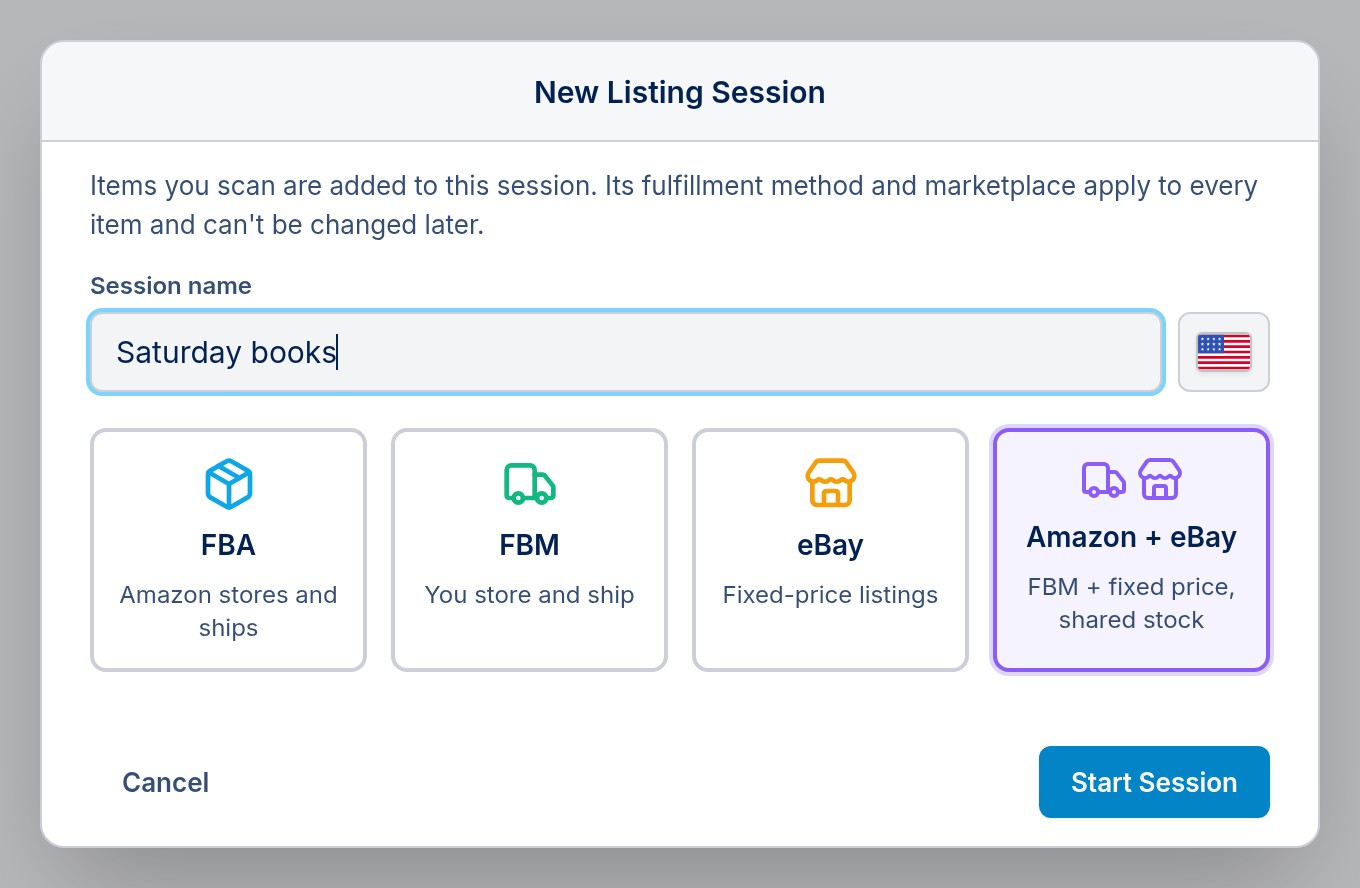
If you have more than one eBay account, pick the one to list to. ScanLister offers only the eBay accounts that match the session's Amazon marketplace, so Amazon.com items go to eBay US, and so on.
In a multi-channel session the listing bar shows two prices. Amazon Base Price works as usual. eBay Base Price starts from the item's Amazon price, and you set an offset: a dollar amount or percentage up or down. Your minimum and maximum prices still apply. You can change any single item's eBay price in the queue before listing.
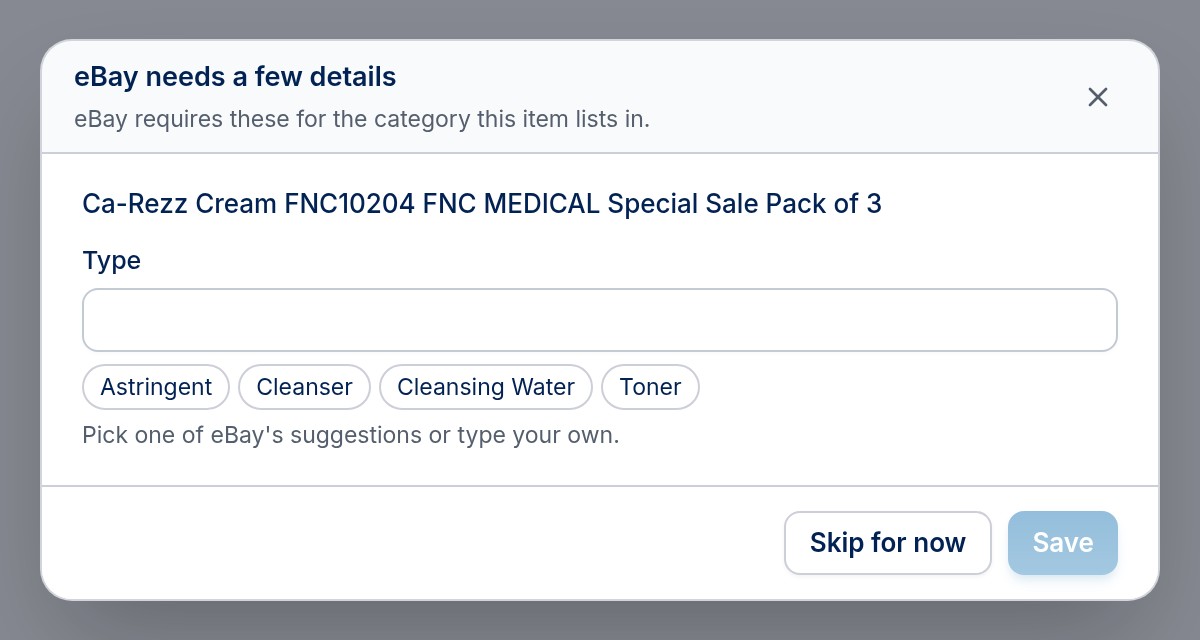
Scan as you normally would. eBay sometimes needs a little more than Amazon does, and ScanLister asks only when it has to:
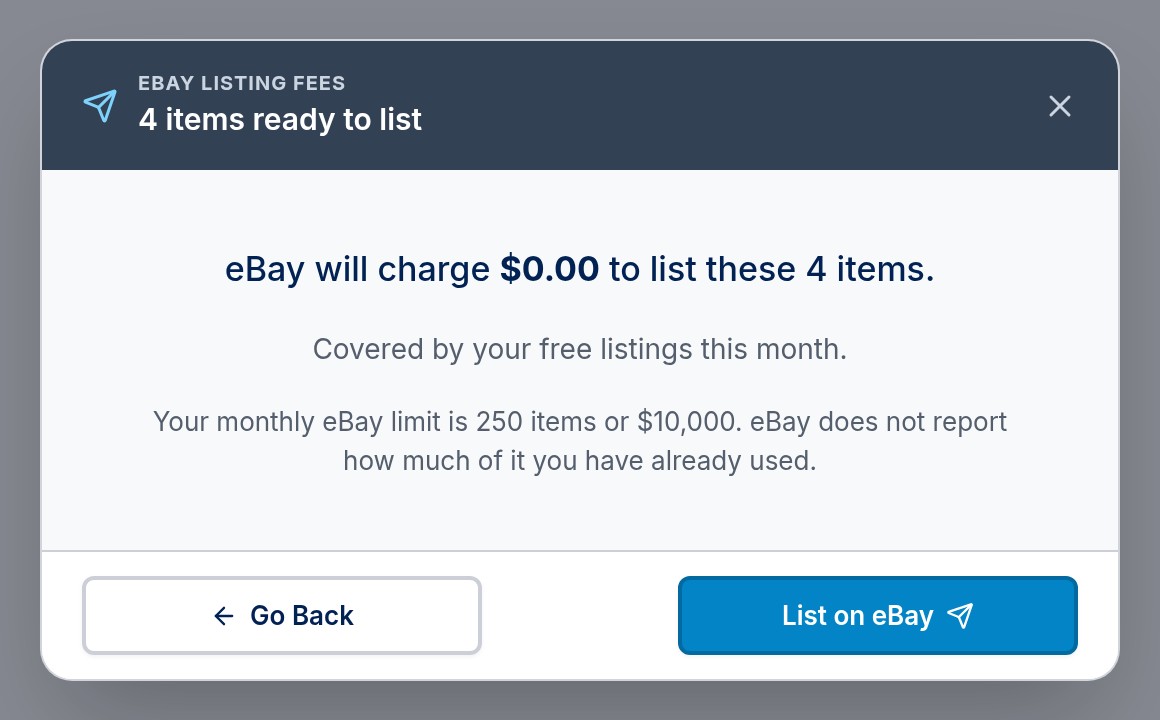
Click List when your items are in. eBay goes first. ScanLister prepares each listing, then shows what eBay will charge to list them, along with your monthly eBay selling limit. Nothing is live yet. Click List on eBay to go ahead, or Go Back to change something.
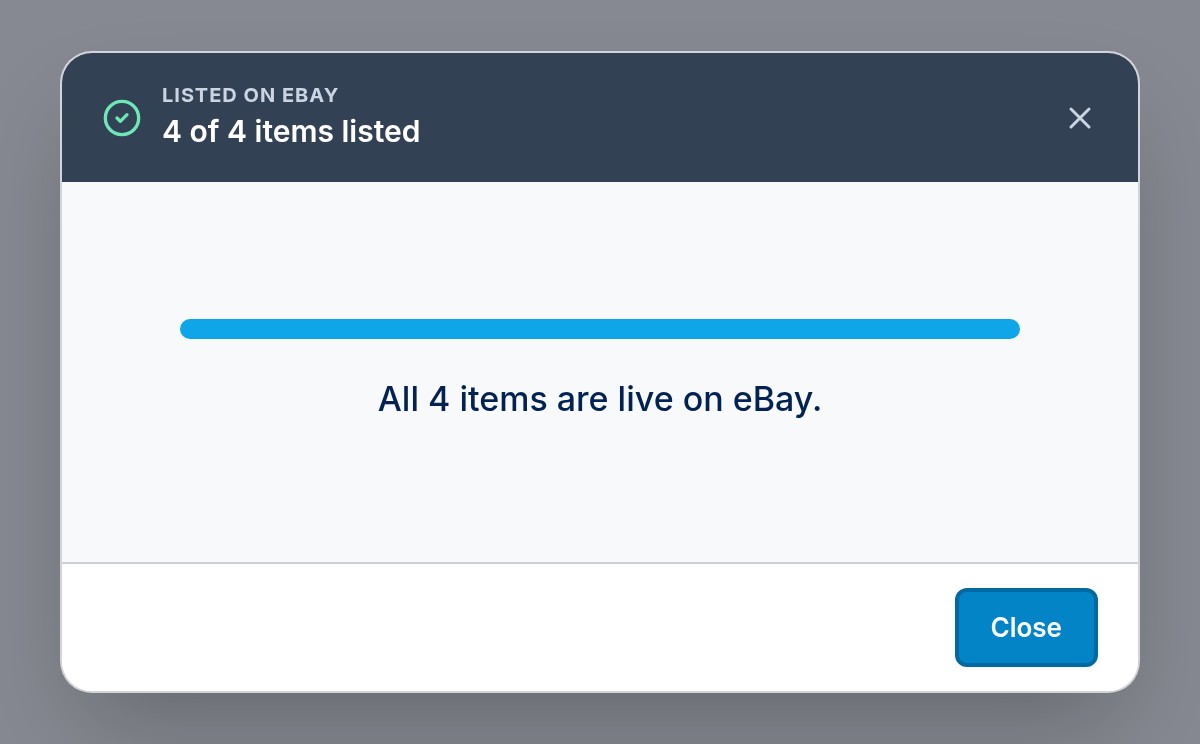
Every item that lists on eBay is then listed on Amazon as FBM, with its stock linked. If eBay refuses an item, it stays in your queue with eBay's reason, and it is not sent to Amazon either. Fix what eBay asked for and list it again.
Your items appear on the Inventory screen with both listings and one shared stock count. When an item sells on eBay, ScanLister lowers the Amazon quantity. When an Amazon order for it ships, ScanLister lowers the eBay quantity. See Managing Your eBay Listings for revising, ending and orders.
