
An eBay session lists the items you scan on eBay alone, as fixed price listings. You scan, price and list exactly as you would for Amazon. ScanLister still uses the Amazon catalog to identify each item and fill in its title, details and photos.
Before you start, connect and set up your eBay account. See Getting Started with eBay.
Create a new listing session and choose eBay. If you have more than one eBay account, pick the one to list to. The session's marketplace decides which eBay site it lists on: Amazon.com items go to eBay US, Amazon.co.uk to eBay UK, Amazon.ca to eBay Canada.
Prices come from the listing bar's Base Price and offset, the same settings you use for Amazon, inside your minimum and maximum. You can change any item's price in the queue before listing.
To see what an item sells for on eBay, open eBay in the research panel. It searches eBay's website for the item you just scanned.
Scan as you normally would. When eBay needs something the catalog does not have, such as item specifics, a package weight or a photo, ScanLister asks. These prompts work the same as in a multi-channel session; see Scanning in Listing on Amazon and eBay Together.
When eBay recognizes the item from its own catalog, it fills in many details itself, including the category.
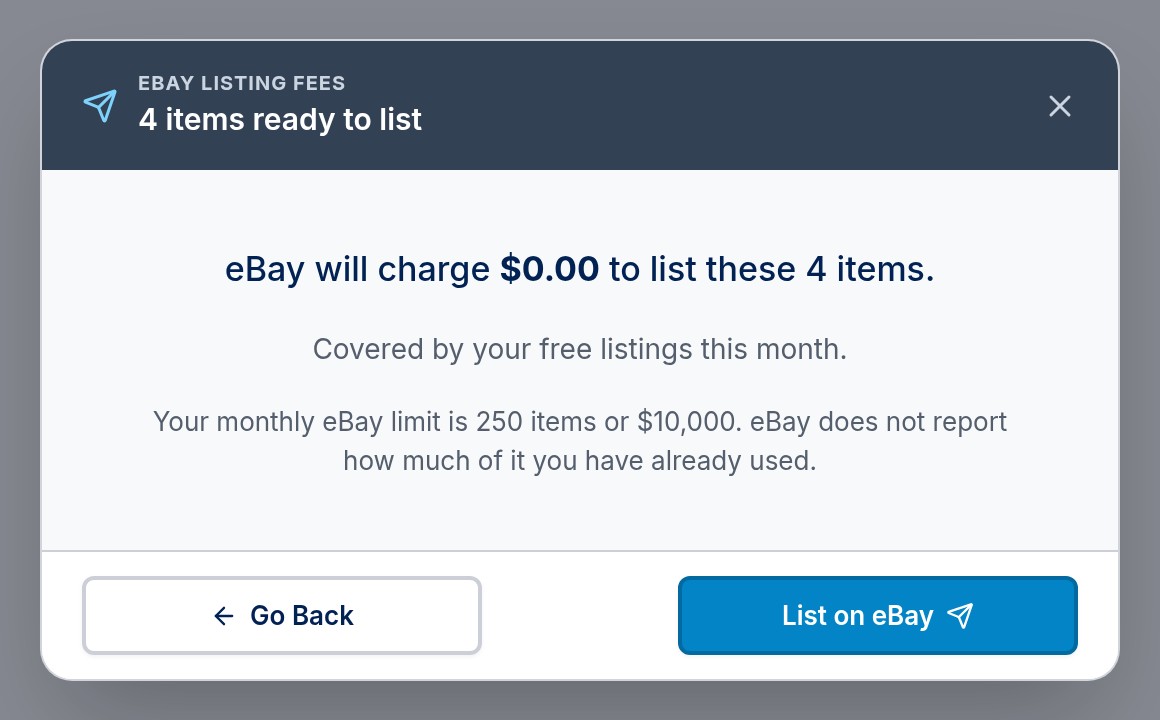
Click List. ScanLister prepares every listing and shows what eBay will charge, with your monthly eBay selling limit. Nothing is live until you click List on eBay.
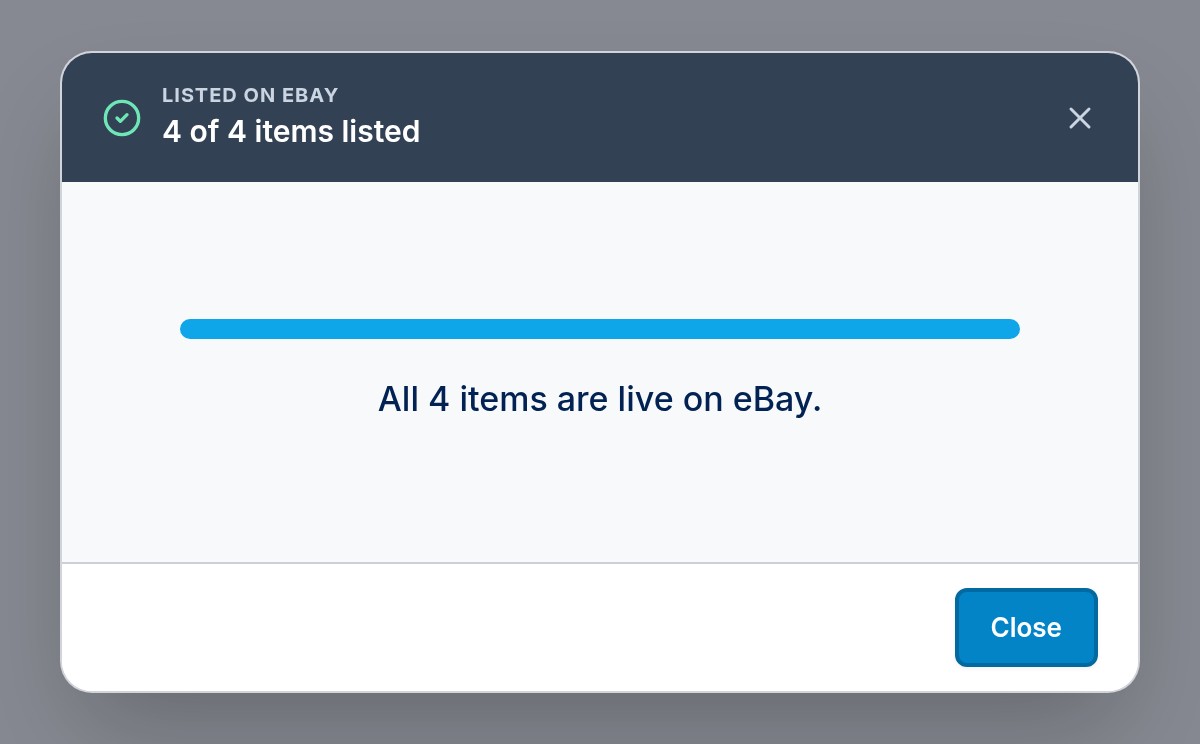
Progress shows item by item. Items that list leave the queue. If eBay refuses one, it stays in the queue with eBay's reason so you can fix it and list it again. If an item is too heavy for its shipping policy, ScanLister asks you to pick another policy before listing.
Your new listings appear on the Inventory screen. See Managing Your eBay Listings to revise or end them, and for how eBay orders show up in ScanLister.
