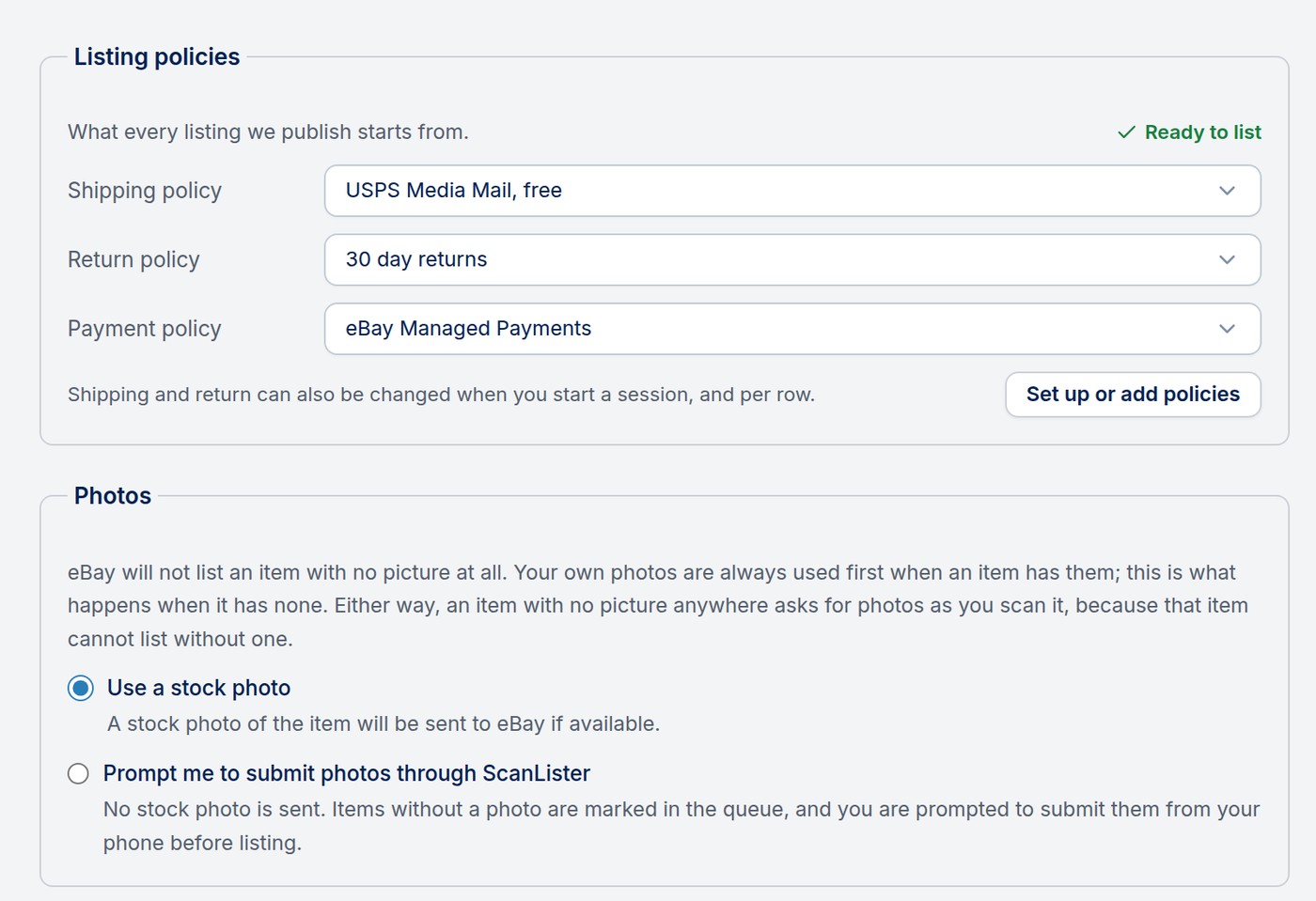
Settings > eBay decides what every eBay listing starts from: its policies, its photos, its description, and what happens when an item has no package weight. Set these once; you can still change policies per session and per item.
Choose the shipping, return and payment policy your listings use by default. Ready to list confirms your account has everything eBay needs. To create a new policy or change your choices step by step, click Set up or add policies.
Shipping and return policies can also be chosen when you start a session, and changed for a single item before listing.
eBay will not list an item with no picture at all. Your own photos are always used first. For items without your own photos, choose:
Either way, an item with no picture anywhere asks for photos as you scan it.
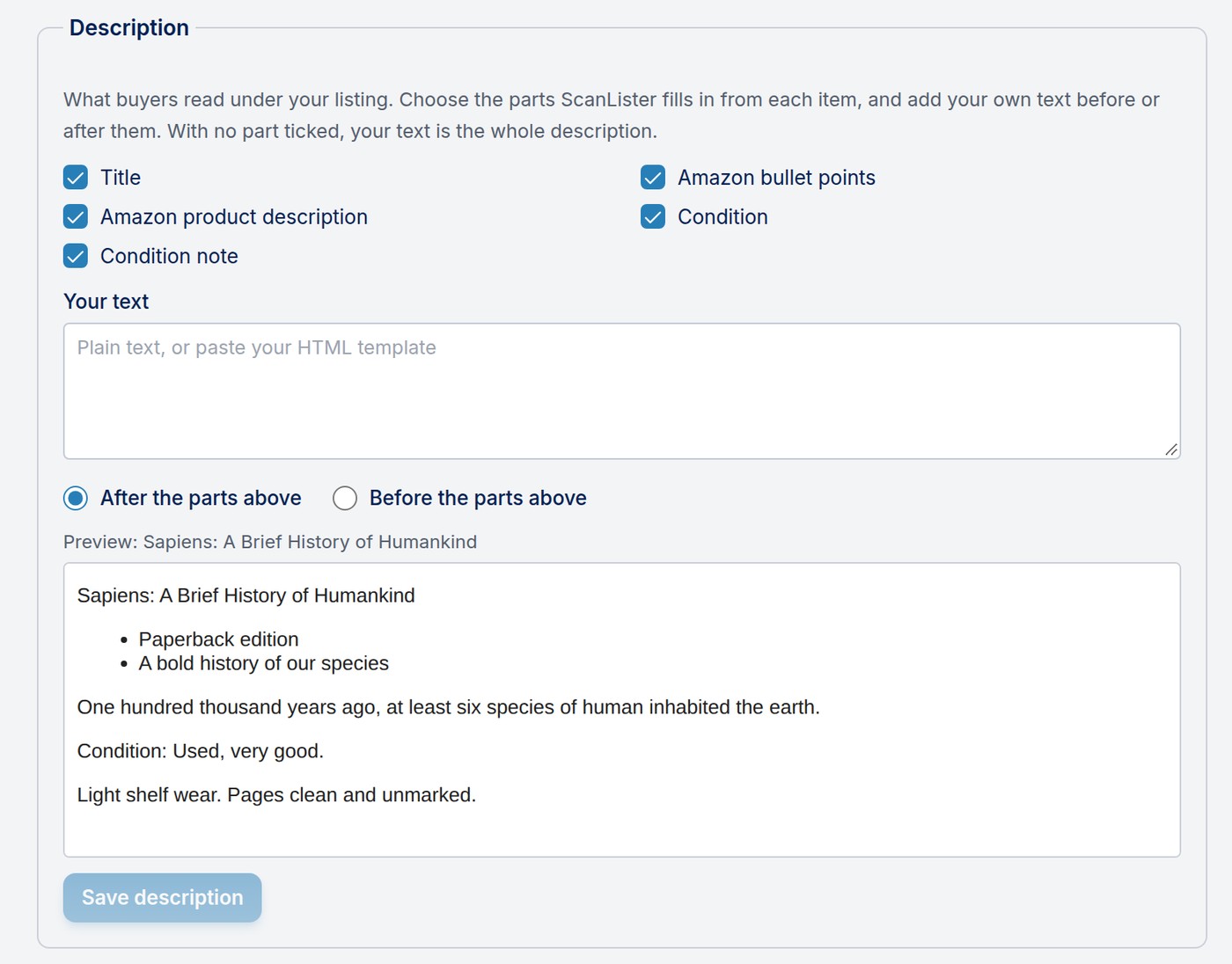
The description is what buyers read under your listing. Tick the parts ScanLister fills in from each item: title, Amazon bullet points, Amazon product description, condition, and condition note. Add your own text before or after them, as plain text or your own HTML template. With no part ticked, your text is the whole description.
The preview shows exactly what a buyer would see. Click Save description when it looks right.
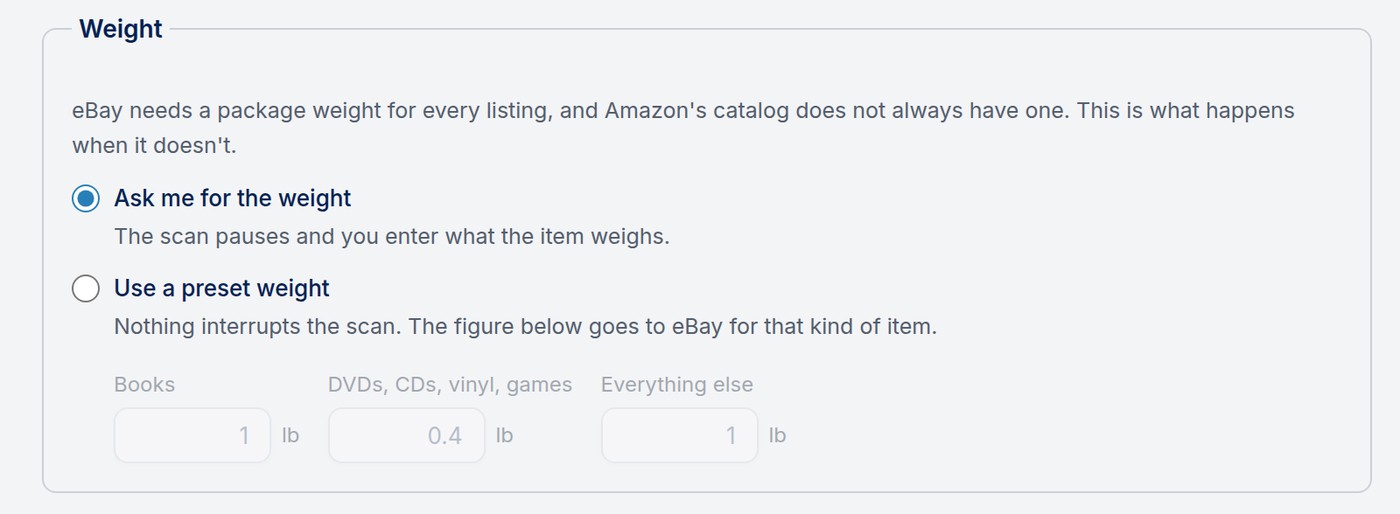
eBay needs a package weight for every listing, and the catalog does not always have one. Choose what happens when it doesn't:
Preset weights are only sent to eBay. They never change your Amazon listing, shipping or profit figures. If eBay refuses a catalog weight as too small, ScanLister tries your preset weight before giving up on the item.