
You can cancel auto-renew on your ScanLister subscription yourself, from the customer portal. It takes a minute and there’s no need to email support.
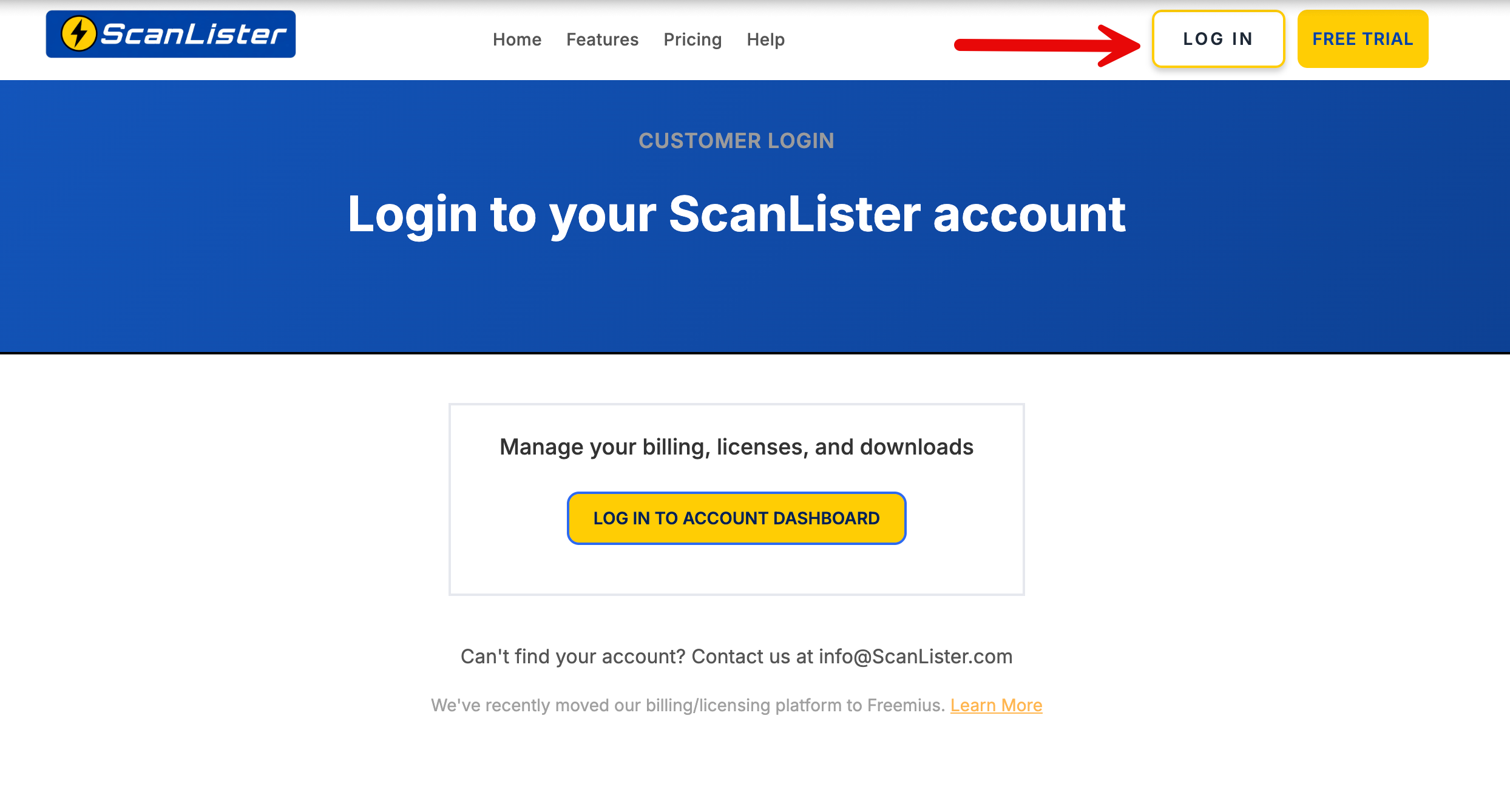
Sign in at scanlister.com/login, then select Log in to Account Dashboard.
If you signed up before April 2026 you will most likely need to create a password first — How to Reset your Password walks you through it.
Select Subscriptions, then open the subscription’s advanced panel. Click Cancel Auto-Renew.
ScanLister recently upgraded to a new billing and license management system powered by Freemius.
This gives customers improved account management features, including self-service license deactivation and reactivation.
You are still managing your ScanLister account and licenses — only the underlying customer portal has changed.
For more details about the migration, you can read our full update here: ScanLister Update: New Billing & License System — Freemius Migration.
